Google will label your customer lists. Do it yourself first.
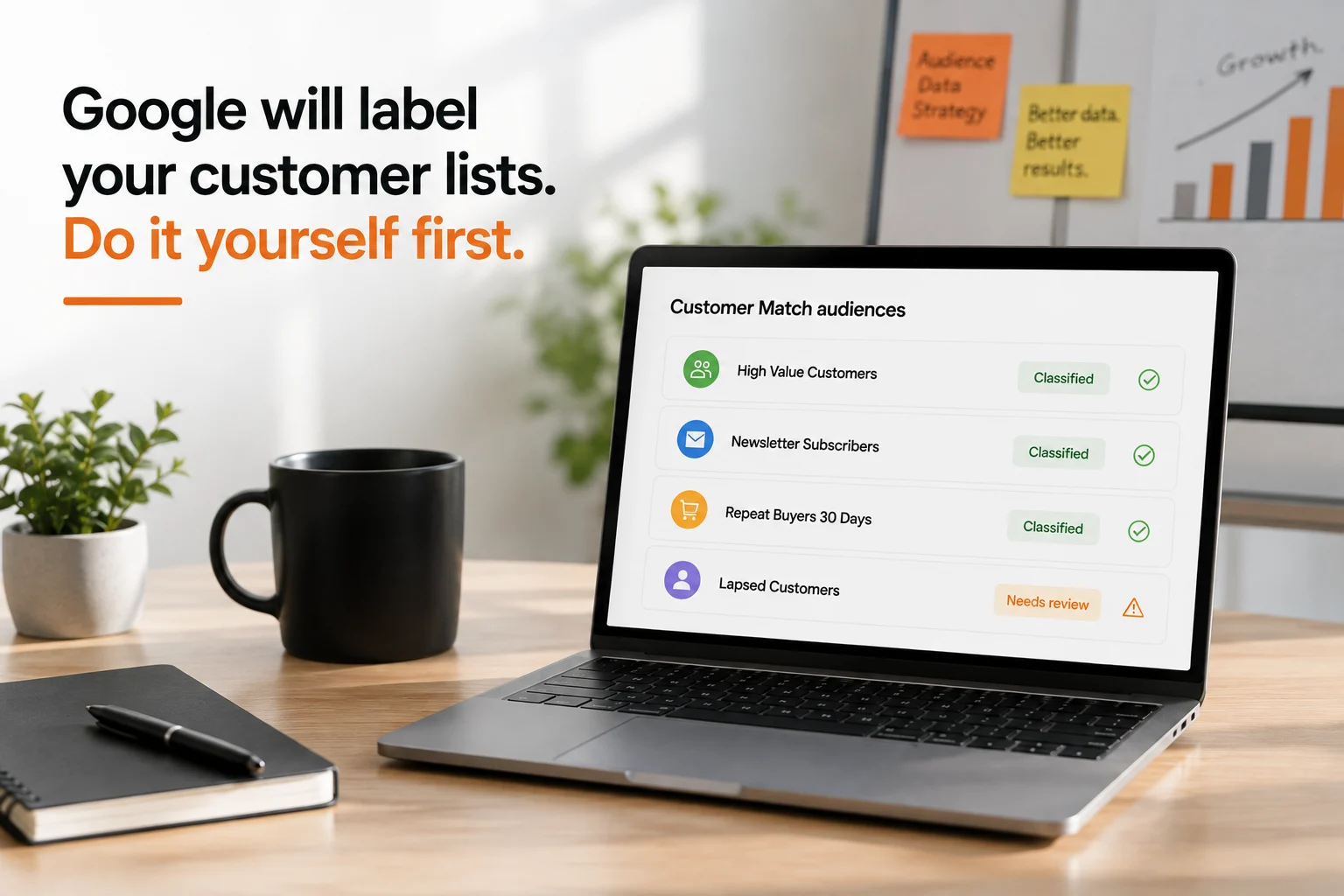
Word started moving through Google Ads circles in June 2026 that conversion-based customer lists, the audiences Google automatically builds from your conversion data, are about to lose a bit of their hands off convenience. Starting in August 2026, any eligible list you have not classified yourself will get a customer type assigned to it automatically. If you manage Customer Match audiences for a living, this is worth fifteen minutes of your time before then.
Two changes, one headline
There are actually two separate moves here, and most coverage blends them into one. The first is automatic enrollment. For eligible advertisers already using both Enhanced Conversions and Customer Match, Google began automatically activating conversion-based customer lists in mid June 2026, unless the advertiser opts out in account settings. The second, and the one worth planning around, is automatic labeling. Starting August 2026, every eligible conversion-based list that you have not manually classified will be assigned a customer type by Google's own system.
Both changes surfaced the way a lot of Google Ads updates do lately, through in-product notifications spotted and shared by individual practitioners on LinkedIn, rather than a formal blog post or Help Center article. That does not make the change any less real. It does mean the details are thinner than advertisers are used to, so it is worth being precise about what is actually confirmed.
What’s confirmed. What isn’t.
Confirmed:
- Conversion-based customer lists already exist as a feature, Google documents them directly in its own Audience manager help article, including the checkbox that turns them on.
- Google's own guidance states plainly that Customer Match lists feed Smart Bidding and optimized targeting, so a list's classification is not a cosmetic label, it is a signal your bidding strategy reads.
- The account level toggle for conversion-based lists lives inside the enhanced conversions settings page, under customer data use.
Not confirmed:
- The full customer type taxonomy Google will apply by default.
- Whether a list you classify after August 18 overrides Google's default assignment cleanly, or requires a support request.
- Whether the rollout timing is identical across all markets and account types.
- Whether manually uploaded Customer Match lists, as opposed to conversion-based ones, are touched at all by this change.
Treat the August date as real and the fine print as still settling. That is enough to act on without overreacting.
A label you didn't choose, feeding bids you did
This is the part worth taking seriously. Once a conversion-based list carries a customer type, it becomes an input to Smart Bidding and optimized targeting, whether or not you ever opened it. If Google's default classification blends new customers and returning customers into the same bucket, you lose the ability to bid differently for acquisition versus retention, and you likely will not see an alert telling you that happened. The symptom is usually a quiet drift in cost per acquisition or return on ad spend that takes weeks to notice, not an obvious break.
This matters more the more segmented your customer base actually is. A brand bidding the same way for a first time buyer and a lapsed repeat customer is leaving performance on the table even before Google's automatic labeling enters the picture, the labeling change just makes the cost of not thinking about it explicit.
Classify it yourself first

The fix is straightforward once you see it clearly. Any list you classify yourself before Google's automatic assignment runs is a list Google does not get to guess on. The lever is not complicated, it is just easy to forget because Audience Manager is not somewhere most performance marketers live day to day. It sits under Tools and Settings, inside the Shared Library, and it rewards a periodic look far more than most people give it.
If you have not yet turned on conversion-based lists at all, this is also a good moment to decide that deliberately rather than by default. The setting lives on the same enhanced conversions page linked above, alongside the toggle for enhanced conversions itself.
A fifteen minute audit
- Go to Tools and Settings, then Shared Library, then Audience Manager, and open your Segments view.
- List every conversion-based customer list currently active on the account.
- Check whether any list is quietly blending groups that should be separate, new customers sitting alongside repeat buyers, or cart abandoners mixed in with completed purchases.
- Split and relabel anything blended that actually matters to how you bid, before Google assigns its own default.
- If conversion-based lists are not yet turned on for this account, decide on purpose whether to opt in, rather than letting the default choice make that decision for you.
What this means for multi client accounts

Settings level changes like this are exactly the ones that slip through on a large account book. They do not show up in a performance dashboard, they show up quietly inside Audience Manager, and nobody notices until a client asks why acquisition cost drifted. Running performance across a wide portfolio of accounts, the audit above needs to happen per account, not once at the agency level, because what counts as a new customer looks completely different for an ecommerce brand with single purchases than it does for a subscription business or a lead generation client. A template classification will not fit all of them. The practical move is folding this fifteen minute check into a recurring account hygiene routine rather than treating it as a one time fire drill before August.
Frequently asked questions
What is a conversion-based customer list?
It is a Customer Match list Google builds automatically from your conversion data, such as purchases or sign ups, rather than one you upload manually. It lives in Audience Manager and updates on its own.
When does automatic labeling start?
Coverage of the change points to August 2026, with data processing specifically starting August 18 according to industry reporting. Google has not published an official Help Center article confirming the date as of this writing.
Does this affect manually uploaded Customer Match lists?
Based on current reporting, no. The change targets conversion-based lists specifically, the ones Google generates itself, not lists you upload directly.
Where do I find my customer lists?
In Google Ads, go to Tools and Settings, then Shared Library, then Audience Manager. Conversion-based lists appear there once the setting is turned on.
What happens if I do nothing before August?
Google will assign a customer type to any eligible list you have not classified. That label then feeds Smart Bidding and optimized targeting, so an incorrect default could shape how your budget gets allocated without an obvious warning sign.
The part you still get to choose
Google has been steadily narrowing the gap between features you opt into and features that are simply on by default. This labeling change fits that pattern. It is not a reason to distrust automation broadly, but it is a good prompt to check a corner of the account that rarely gets a second look. Fifteen minutes in Audience Manager before August is a small price for keeping the classification decision in your hands instead of a system's.