Google brings AI Max to Shopping. Here’s what stays yours.
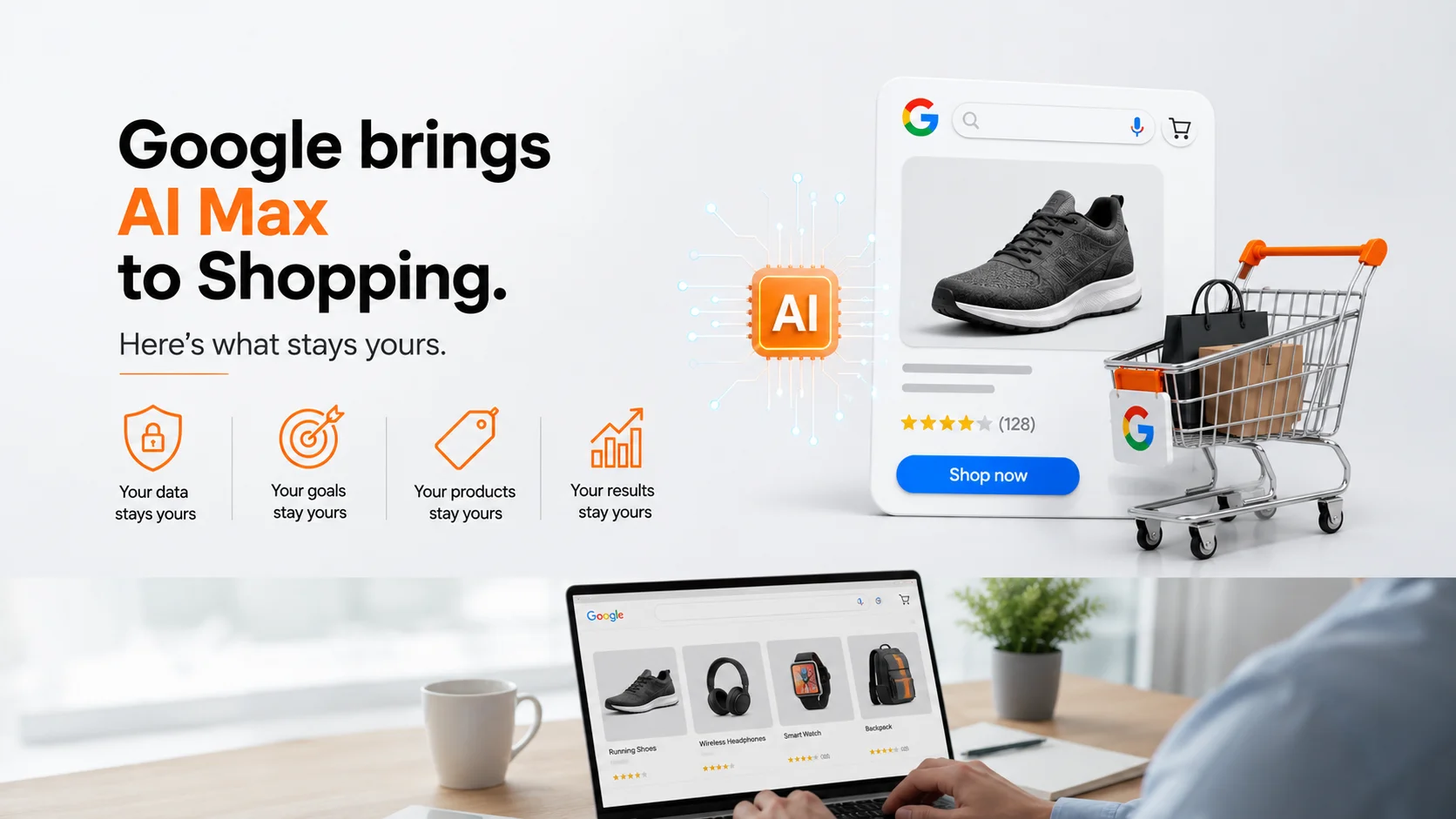
AI Max has spent the last year reshaping Search campaigns. In late July 2026 it started showing up somewhere new, inside Standard Shopping campaigns, the campaign type that has historically given advertisers the most manual control over what shoppers actually see. If you run Shopping campaigns , this is worth understanding before it lands in your account.
Shopping gets the same engine
Google first announced AI Max for Shopping campaigns at Google Marketing Live in April 2026, positioning it as a one click upgrade that uses your Merchant Center feed, fabric, fit, durability, and similar attributes, to match conversational, long tail searches that static Shopping ads typically miss. For months it lived mostly as an announcement. That changed on July 24, when screenshots and industry reporting confirmed AI Max features actively rolling out inside Standard Shopping campaigns, not just Performance Max. The same day, Google Ads Editor 2.13 shipped with full support for it, including automated text generation, URL expansion controls, brand lists, and URL exclusions.
Google’s own Help Center now documents the feature directly, and it is explicit that AI Max for Shopping is still in beta. That single word matters for how you plan around it.
What’s confirmed. What isn’t.
Confirmed:
- Google’s own Help Center article describes three capabilities: text customization that generates query matched product titles and ad copy from your feed, Final URL Expansion, and Optimal Format Selection between text and Shopping ad formats.
- Google Ads Editor 2.13 shipped July 24 with full AI Max support for Shopping, confirmed by Search Engine Land’s coverage of the release.
- The feature is explicitly labeled beta by Google, meaning eligibility and availability are not uniform yet.
Not confirmed:
- A Shopping specific conversion lift figure. Google has published a 14 percent figure for AI Max on Search campaigns and a separate blended figure across AI Max and Performance Max mentioned on Alphabet’s earnings call, but nothing broken out for Shopping alone as of this writing.
- A firm timeline for when Shopping moves from beta to general availability.
- Whether every Standard Shopping campaign in every account will be eligible at the same time.
Worth being precise here, since it is easy to round beta into general availability when the coverage moves fast.
Your feed writes the copy now
This is a different mechanism from the AI generated Shopping ad text I covered a few weeks ago, and worth keeping separate in your head. That earlier sighting was an unconfirmed overlay with no visible advertiser control. AI Max for Shopping is the opposite, an opt in setting you activate deliberately, with its own controls attached. Once it is on, the text customization feature reads your Merchant Center attributes directly, waterproof, stability focused, available for store pickup, and generates ad copy designed to answer a shopper’s specific, conversational query rather than match a static title.
The practical effect is that your feed becomes creative input, not just inventory data. A sparse feed gives the system less to work with and produces flatter, more generic generated copy. A rich one gives it real material to build a specific answer from.
The controls are still yours
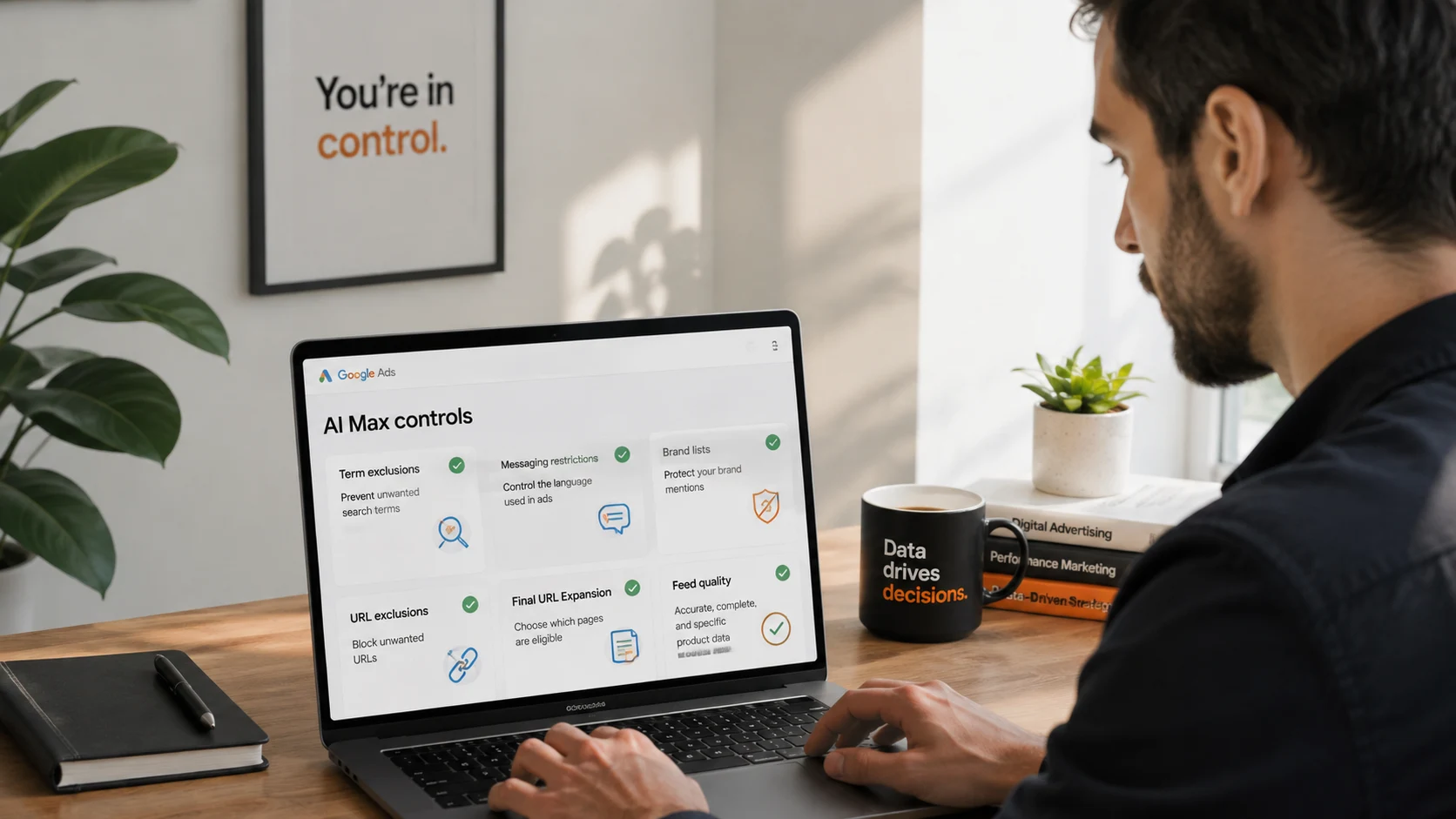
Unlike the earlier unconfirmed overlay, AI Max ships with a real veto. Term exclusions and messaging restrictions let you rule out language before generation happens, rather than reviewing after the fact. Brand lists and URL exclusions in Ads Editor 2.13 give you a way to manage this at scale across many campaigns instead of clicking through each one. Final URL Expansion has its own settings that limit which landing pages are eligible destinations. None of this requires you to accept the defaults.
The starting point either way is the same feed work worth doing regardless of AI Max: complete, accurate, specific product attributes with nothing that would embarrass you if it became the headline of an ad.
A rollout checklist
- Check the Help Center article for your account’s current eligibility, since availability is still expanding during beta.
- Review your Merchant Center feed attributes for the products AI Max would generate copy from first, your highest volume SKUs.
- Set term exclusions and messaging restrictions before turning the feature on, not after seeing what it generates.
- If you manage Shopping campaigns offline, update to Google Ads Editor 2.13 to get the brand list and URL exclusion controls.
- Use an experiment if one is available to you rather than switching an entire account on at once.
What this means for multi market Shopping accounts
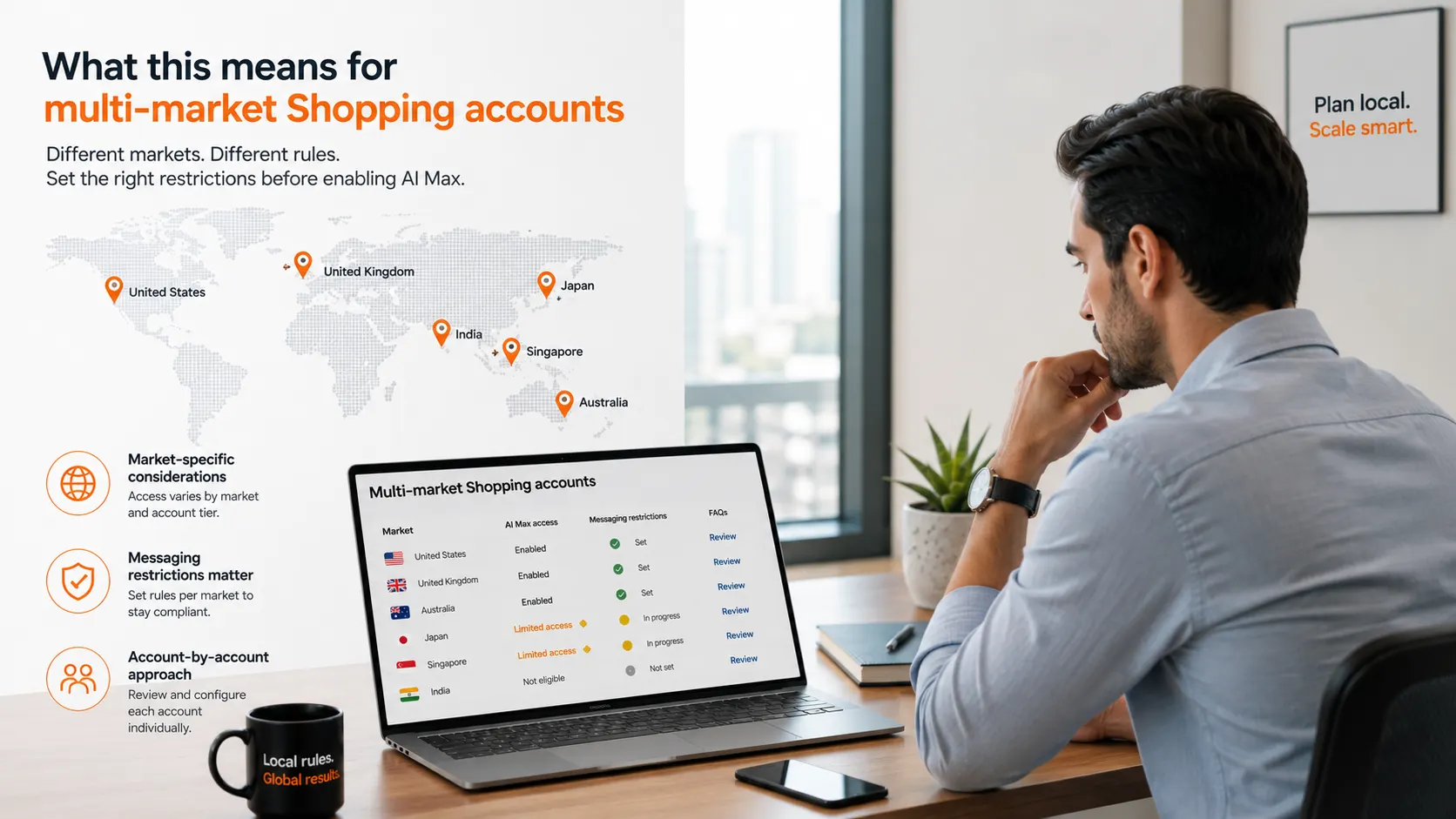
Beta features rarely land evenly across a large account book, and this one will likely be no exception. Some markets and account tiers get access before others, which means the checklist above needs an account by account pass rather than a single decision applied everywhere. Messaging restrictions deserve particular attention across APAC, since claims language that is fine in one market can be a compliance issue in another, especially for regulated categories. Setting those restrictions per market before enabling text customization is worth the extra hour, rather than discovering the gap after generated copy is already live.
Two more Shopping changes this quarter
Two adjacent updates landed around the same time and are worth a mention even though they are not the focus here. Merchant Center picked up new AI dashboard features on July 24, including a summary view that surfaces catalog wide performance signals and suggestions for listings with missing attributes or weak click through rates. And Local Inventory Ads are set to become the default for all Shopping campaigns starting August 31, 2026. Both, like AI Max for Shopping, reward the same underlying habit: a feed that is complete and current gets more value from every one of these tools than a feed that is not.
Frequently asked questions
Is AI Max for Shopping available to every advertiser?
Not yet. Google’s own documentation labels it beta, and availability is expanding rather than universal.
Does this replace Performance Max?
No. It is a feature set inside Standard Shopping campaigns, aimed at advertisers who want more manual control than Performance Max typically offers while still gaining AI powered matching and creative.
Can I stop it from generating certain kinds of copy?
Yes. Term exclusions and messaging restrictions let you set boundaries before the feature runs, and Ads Editor 2.13 adds brand list and URL exclusion controls for managing this at scale.
How is this different from the AI text spotted on Shopping ads in July?
That was a separate, unconfirmed test with no visible advertiser controls. AI Max for Shopping is an opt in feature with settings you control directly.
The feed was always the point
Every AI layer Google has added to Shopping this year, whether opt in or still unconfirmed, reads the same underlying asset, your Merchant Center feed. The advertisers who get the most out of AI Max, and the least surprised by anything adjacent to it, are the ones treating that feed as the actual product rather than a formality. That has not changed. AI Max just raised the stakes on it.